
Mastering Gemini.ai
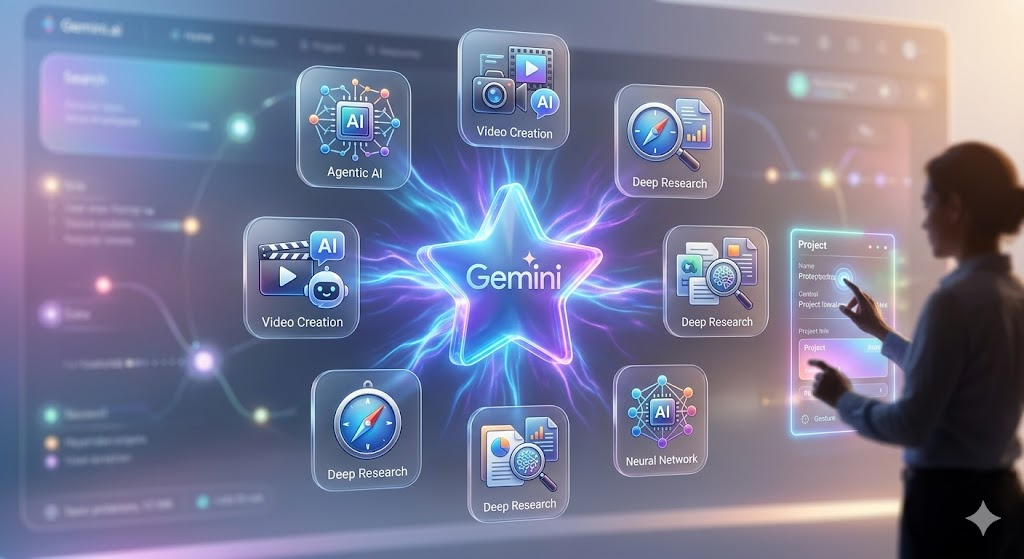
Generated by Gemini
The world of Artificial Intelligence has evolved far beyond simple chatbots. In 2026, Gemini.ai has transformed into a proactive, multimodal powerhouse that handles everything from video creation to complex research. Whether you are a professional looking to automate your workflow or a creator looking for new ways to build content, mastering these features is essential.
Here are the top 10 features of Gemini.ai and exactly how to use them to supercharge your productivity.
1. Agentic Automation with Workspace Studio
The biggest shift in 2026 is the introduction of Workspace Studio, an “agentic automation hub”. Instead of just answering questions, Gemini can now execute multi-step workflows in plain English without any coding. Read
- How to use it: Navigate to the Workspace Studio menu and describe your task, such as “Every Friday, summarize my unread client emails and save the action items to a new Google Doc”.
2. Direct Document-to-Video Conversion
Gemini now eliminates the need for separate video editing tools by turning written documents into fully narrated videos.
- How to use it: Upload a report or blog post to Gemini and select the “Generate Video” option. The AI will draft a script, generate visual scenes using models like Veo 3, and add human-like narration automatically.
3. Deep Research Agent for Complex Reports
For tasks that require hours of browsing, the Deep Research Agent autonomously plans and executes multi-step research.
- How to use it: Request a research plan on a complex topic. You can collaboratively refine the plan before the agent starts. It will then navigate the web, use Code Execution for data analysis, and produce a detailed, cited report.
4. “Catch Me Up” for Meetings
Joining a meeting late is no longer a problem. The “Catch Me Up” feature in Google Meet provides an instant summary of what you missed.
- How to use it: When entering a Meet call already in progress, click the “Catch Me Up” button. Gemini will provide a concise list of discussed points and key decisions made so far.
5. Multimodal Live Interaction (Gemini Live)
Gemini Live on version 3.1 is now 20% faster, allowing for fluid, real-time conversations. It can now see through your camera to provide visual guidance.
- How to use it: Open Gemini Live on your mobile device. You can share your camera view and ask, “How do I fix this leaky faucet?” while Gemini highlights exactly where you should focus.
6. Automated Infographic Generation
Turning complex data into visuals is now a one-click process within the Gemini environment.
- How to use it: Describe the data you want to visualize. Gemini can automatically generate flowcharts, process diagrams, or comparison charts to make information easier to digest.
7. Seamless Workspace Extensions
Using the “@” command, you can bridge Gemini with your private data in Gmail, Drive, and Docs.
- How to use it: In the chat window, type “@Gmail find my flight itinerary” or “@Drive summarize the project PDF”. Gemini will retrieve the information instantly without you needing to switch tabs.
8. Advanced File Management via CLI
For power users, the Gemini CLI (Command Line Interface) brings AI power directly to your terminal.
- How to use it: Issue commands like “Rename the photos in my directory based on their contents”. Gemini will analyze the images and rename them to descriptive titles like
yellow_flowers.pngautomatically.
9. High-Fidelity Music Creation with Lyria 3 Pro
Gemini has expanded into high-end audio production, allowing users to create custom tracks up to 3 minutes long.
- How to use it: Provide a prompt describing the mood, genre, or tempo you need. Lyria 3 Pro will generate a high-fidelity track that you can add to your creative projects or share with others.
10. “Help Me Schedule” Button
Coordinating group meetings through email is simplified with an AI-powered scheduling assistant.
- How to use it: When an email thread involves coordinating a time, Gemini detects the intent and surfaces a “Help me schedule” button. Clicking it will propose time slots that work across all recipients’ calendars.
Quick Reference Table: Gemini 2026 Capability Map
| Feature | Primary Use | Availability |
| Workspace Studio | Workflow automation | Workspace Enterprise |
| Deep Research | Autonomous cited reports | Interactions API / Preview |
| Document-to-Video | Content creation | AI Expanded Access |
| Gemini Live | Real-time visual help | Android & iOS |
| Lyria 3 Pro | Music generation | AI Plus, Pro, Ultra |