
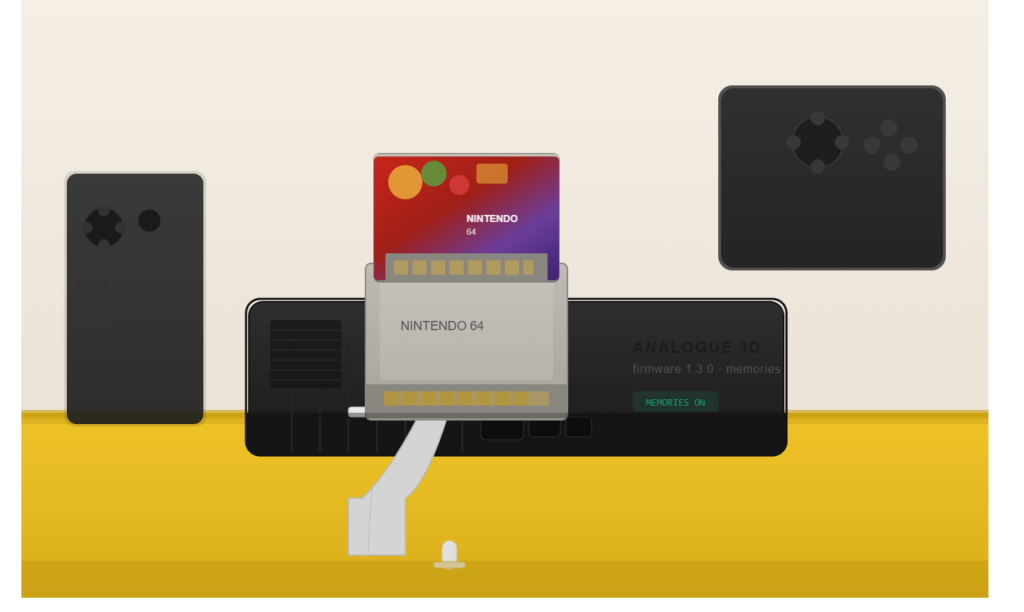
Analogue 3D save states have arrived. With the release of firmware 1.3.0 on May 15, 2026, Analogue has officially brought its signature “Memories” system to the N64 FPGA console — giving owners the ability to save and reload their game at any moment, without relying on a save point or a physical Controller Pak.
If you have been waiting for this feature since the Analogue 3D launched in November 2025, the wait is over.
What Are Memories on the Analogue 3D?
Memories is Analogue’s branded save-state system. It was first introduced on the Analogue Pocket in 2022 and is now available on the 3D for the full 900+ N64 cartridge library.
The feature works exactly the way you would expect a save state to work: you capture your current gameplay moment, and you can return to it at any time — no save point required, no Controller Pak needed. What sets Analogue’s implementation apart is that it is designed to maintain total hardware accuracy. According to the official release notes, Memories is compatible with all original accessories, including the Transfer Pak used with Pokémon Stadium’s GB Tower.
How Many Memories Can You Save Per Game?
Each game supports up to 20 Memories. When you reach the limit, the oldest Memory is automatically deleted to make room for a new one. If you want to keep a specific save permanently, you can pin it to protect it from automatic deletion.
This per-game organization keeps things clean — your Ocarina of Time saves will never mix with your GoldenEye slots.
How to Create and Load a Memory
Analogue has built Memories access directly into the controller button layout so you never need to leave your game.
Using the 8BitDo 64 controller:
- Create a Memory: Hold Home, then press D-Pad Up
- Load the most recent Memory: Hold Home, then press D-Pad Down
Using original N64 controllers:
- Create a Memory: Hold Z + Start, then press C-Up
- Load the most recent Memory: Hold Z + Start, then press C-Down
Note: If you are using an 8BitDo 64 BT controller, you must update it to version 2.05 or later for Memories to work. Visit analogue.link/3d-controller-update for the update.
Where Are Memories Managed?
Memories are organized inside the 3DOS Library and the in-game menu, on a per-game basis.
- In the Library, press Down to access a game’s Memories list (visible only if Memories exist for that game).
- In the in-game menu, you can access and manage the same list without returning to the home screen.
The interface is consistent with the clean, minimal 3DOS design you are already familiar with.
What Else Is in Firmware 1.3.0?
Beyond Memories, the update includes several welcome fixes and improvements:
- Controller Pak cross-save improvement: Games can now save across different Controller Paks, which improves compatibility with Controller Pak swapping alongside Memories.
- Progressive Output improvements: Beta progressive output has been refined for additional game compatibility.
- “No Pak” wireless option: A new “No Pak” option when switching virtual Paks with wireless controllers. This also automatically sets “No Pak” for Blast Corps, fixing save access for wireless controller users.
- 8BitDo 64 BT fix: Resolved a bug preventing simultaneous C-Left/Right or C-Up/Down button presses — this affected save management in Doom 64 and Cruisin’ USA.
- Chameleon Twist fix: The game now boots correctly with wireless controllers by defaulting to the Controller Pak instead of the Rumble Pak.
- Menu speed: Switching ODMs and virtual Paks in-game is now faster.
You can read the full changelog on the official Analogue firmware page.
Why This Matters for N64 Players
The Nintendo 64 library has a complicated relationship with saving. Many titles — Zelda, Mario 64, Banjo-Kazooie — rely on internal cartridge saves. Others depend on the Controller Pak (memory card). A handful use password systems. Save states cut across all of these scenarios.
For games with no in-game save at all, Memories is a genuine game-changer. For longer sessions in games like Paper Mario or Majora’s Mask, being able to drop a save state mid-dungeon without hunting for a save point makes the experience significantly more approachable.
Analogue was careful to keep this feature from interfering with the hardware-accurate foundation of the 3D. The implementation does not break Controller Pak compatibility, and it works alongside Transfer Pak accessories — a detail that will matter to Pokémon Stadium players in particular.
How to Install Firmware 1.3.0
- Download the update (21.8 MB) from analogue.co/support/3d/firmware.
- Copy the file to the root of your SD card.
- Insert the SD card into your Analogue 3D and power it on.
- Follow the on-screen prompt to complete installation.
For detailed steps, see Analogue’s Getting Started guide.
Final Thoughts
Analogue 3D save states have been one of the most requested features since the console launched, and Analogue has delivered a thoughtful, hardware-respecting implementation with Memories. With support for the entire N64 library, up to 20 slots per game, pin protection, and intuitive hotkeys, there is very little to complain about.
If you have been holding off on a firmware update, version 1.3.0 is the one worth installing today.
Have you tried Memories on your Analogue 3D? Let us know which N64 game you are saving states in first.